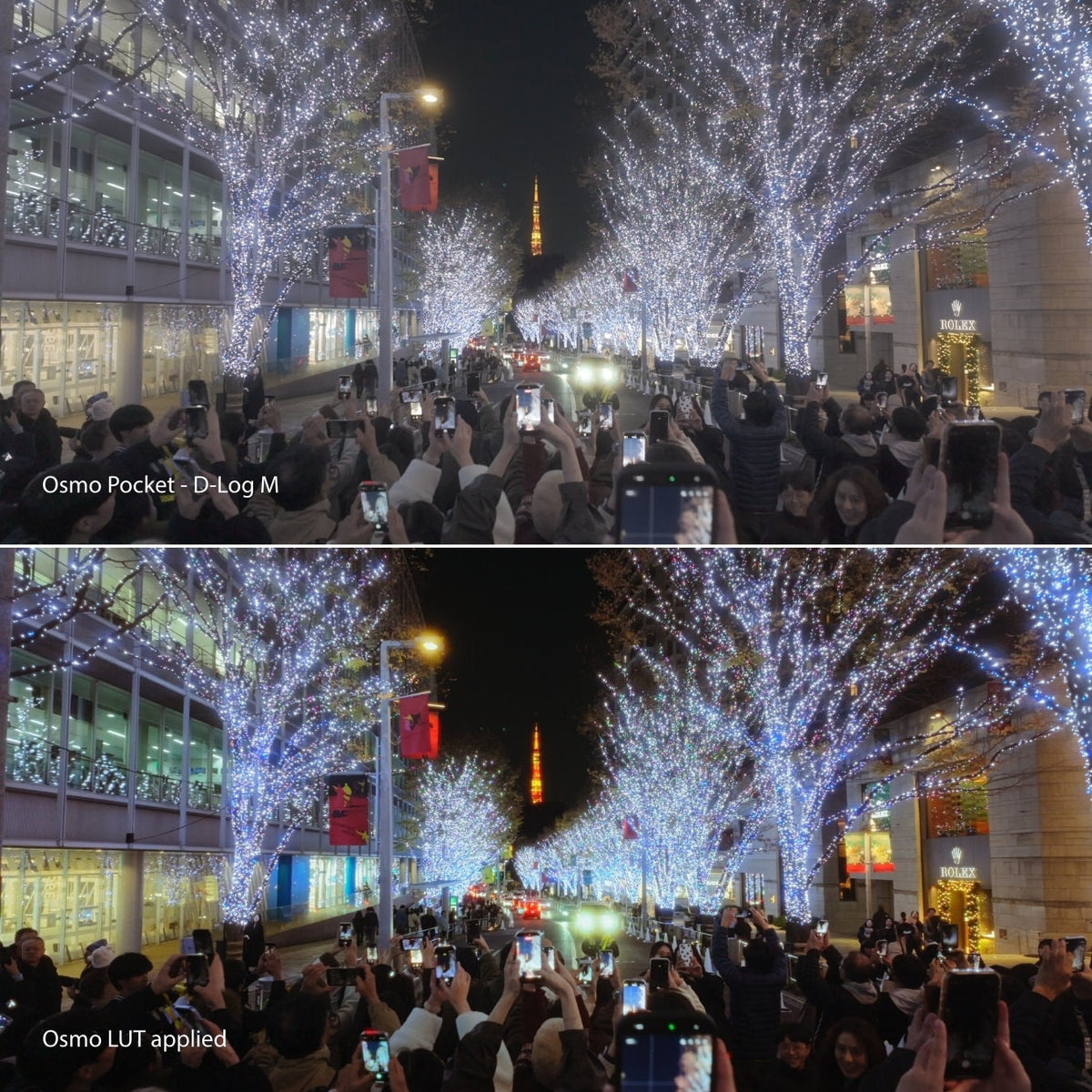
Flat Osmo Log turns into cinematic color in a click. Shoot D-Log M, D-Log, or D-Log 2 on Pocket, Action, Nano, or Osmo 360, then color grade in DaVinci Resolve. 30 LUTs in one zip, with Rec.709 built in.
At a glance
Shoot Log on Osmo. Grade on desktop.
D-Log M, D-Log & D-Log 2
One zip, three folders. Not separate packs.
Pocket, Action, Nano, 360
Handheld Osmo cameras that shoot these Log profiles.
Grade on desktop
DaVinci Resolve, Final Cut, Premiere, CapCut.
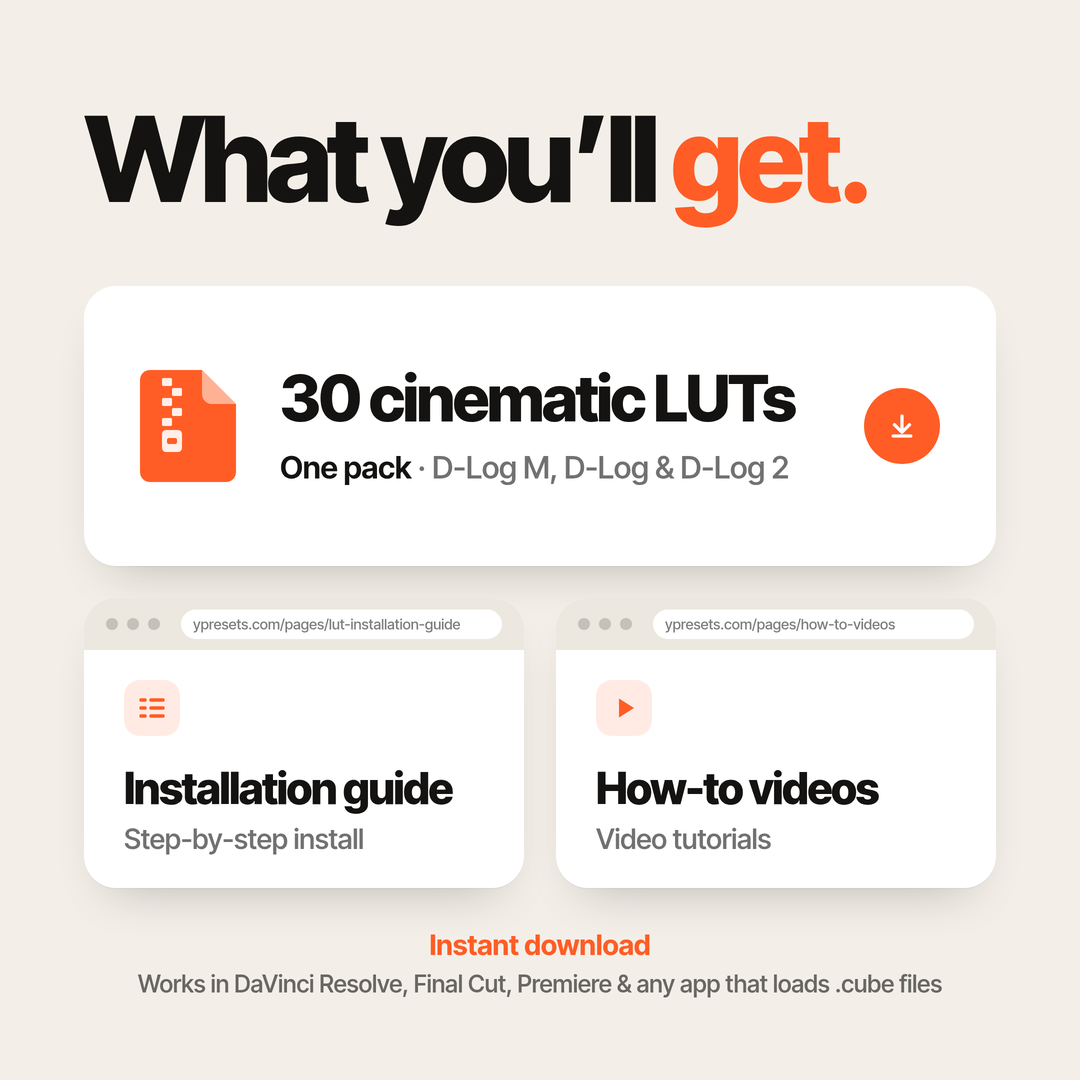
30 LUTs, instant download
.cube files plus install guide and how-tos.
Learn more
D-Log and D-Log M are designed to capture more dynamic range and flexibility - but straight out of camera, the footage can look flat, washed out, and hard to work with.
The Ypresets Osmo LUT Pack is built to fix that instantly.
With dedicated D-Log M LUTs (Pocket 3, Osmo Nano, Osmo 360, Action), dedicated D-Log LUTs (Osmo Pocket 4 and Pocket 4P) and dedicated D-Log 2 LUTs (Pocket 4P and other D-Log 2 Osmo cameras), you can apply cinematic color in one click - no Rec.709 conversion needed. Just drop it onto your footage, adjust the intensity if needed, and you’re ready to export.
Whether you’re shooting on Osmo Pocket 3, Pocket 4, Pocket 4P, Osmo Nano, Osmo 360, Action 4, 5 Pro or 6 — these LUTs are designed to give you clean, natural, cinematic results in seconds. Flying a DJI drone on D-Log or D-Log M? Use the Drone pack.
Handheld only: Osmo Pocket 3, Osmo Nano, Osmo 360, Osmo Action 4, Osmo Action 5 Pro, Osmo Action 6. If the menu says D-Log M on those cameras, this pack works. Flying a DJI drone on D-Log or D-Log M? Use the Drone Cinematic D-Log & D-Log M LUTs instead.
I was a little skeptical in trying this out; however, it has been such a game changer. The one click app application works great; however, I still like to adjust the gamma shadows and highlights for the perfected look, but this is definitely a good start for anybody getting into color grading
I really think this will help with my workflow. I'm not a really an advanced video editor but with this LUTs, it will definitely help me in leveling up my quality of getting more followers. Really love the colors so far!
Lots of different visual styles to play around with. Gives the raw footage an immediate cinematic look. It's compatibility for various software is also a massive plus.
I’m completely new to shooting in log and color grading, but this was incredibly easy to use and gave me great results right away. Perfect for beginners!
Very happy with the filter pack for Osmo Pocket, which also includes D-Log M for my DJI Nano.
I've also tested them in O-Log on my OPPO Find X9 Ultra and they work very well.
It’s so easy to use — I just have 2-3 nodes before the LUT node where I use Yantastic LUTs and usually only need minimal edits to my D-Log footage.The colors come out great!
What a fantastic set of D-Log Luts you created.I already used the D-Log Lut 1 for my Pocket 4 as can be seen in the windmill video I made. The full video can be seen on my YT channel Gekol Drone Videos. Here is the link:
https://www.youtube.com/watch?v=ss2gL-VNMSk
I already dit a short test on some of my D-Log drone footage from my DJI Mini 5 Pro also. The result was very good and colors from handheld and drone footage are consistent. The fact that your D-Log Luts are perfected for both my DJI Osmo Pocket 4 and D-log footage from my DJI drones makes it fantastic. I will publish a combined DJI Pocket 4 D-Log and DJI Mini 5 Pro or Air 3S D-Log video later using your different set of Luts! Thanks for making the D-Log Luts. Hope to see more new Luts and updates. Greetings from The Netherlands. Gekol Drone Videos.
This is an excellent luts for my dji osmo pocket 4, im loving the colors and different style defending on your liking, theres 20 presets to choose from, highly recommended!! It’s worth it
The LUTs work great! Apply them first, then adjust your balance and grading from there. They give footage a cinematic film look quickly and easily. Definitely worth having!
Flying a DJI drone? For D-Log or D-Log M from a drone, use Drone Cinematic LUTs instead. This pack is for handheld Osmo.
Questions & answers
FAQ
Which LUTs do I use for my camera?
Match the folder to the profile you shot:
D-Log M: Osmo Pocket 3, Osmo Nano, Osmo 360, Osmo Action 4, Action 5 Pro and Action 6
D-Log: Osmo Pocket 4 and Pocket 4P
D-Log 2: Pocket 4P and other D-Log 2 Osmo cameras
Pocket 4P records D-Log and D-Log 2. They are different curves, so use the D-Log folder on D-Log clips and the D-Log 2 folder on D-Log 2 clips. Pocket 4 records D-Log.
30 LUTs in three folders: 10 D-Log M, 10 D-Log and 10 D-Log 2, each built for its own profile. The D-Log 2 LUTs are for Pocket 4P and other D-Log 2 Osmo cameras.
Do I need to convert to Rec.709 first?
No. Every Ypresets LUT already includes the Rec.709 conversion, so apply it straight onto your Log footage. Don't add a separate D-Log M or D-Log to Rec.709 conversion first, or the image will look too contrasty and oversaturated. For Osmo, apply it to D-Log M or D-Log (or D-Log 2 on Osmo Pocket 4P). Then adjust intensity to taste.
Is this better than DJI’s free LUT?
DJI’s free LUTs convert your Log footage to Rec.709 and stop there, and a lot of Osmo shooters find them too contrasty, with crushed shadows.
These include the conversion plus a finished look, built separately for D-Log M, D-Log and D-Log 2. Drop one on, adjust intensity, export.
I’ve never shot Log before. Is this beginner-friendly?
Yes. Pick the folder for your profile, drop the LUT, adjust intensity, export. The LUT installation guide covers every app step by step, and hi@ypresets.com helps if you get stuck.
“Film look with a click, adjust the opacity if needed and voila.” Raiid K., verified buyer
Do these LUTs work for both day and night footage?
Absolutely. Whether you are shooting daytime landscapes or night city scenes, the LUTs adapt well with minor adjustments.
Can I use these LUTs for client or commercial work?
Yes. Your purchase includes full usage rights for personal, commercial, paid and client projects. No extra license needed.
How do I install the LUTs?
After purchase, you’ll receive a quick-start PDF showing how to install and use the LUTs in DaVinci Resolve, Final Cut Pro, Premiere Pro. The whole process takes less than a minute.
 DEVELOPING COLOR