

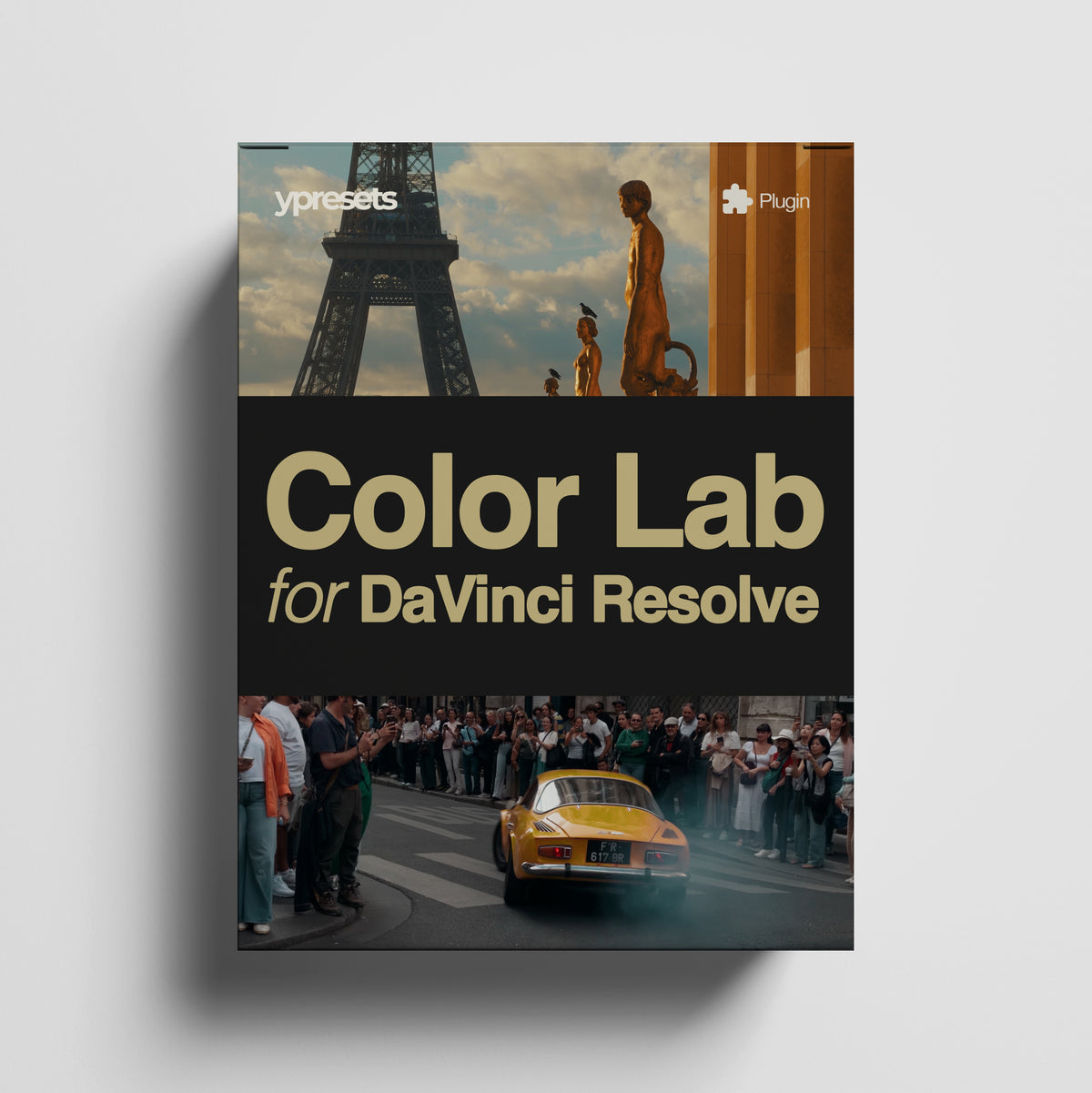
Ypresets Color Lab for DaVinci Resolve
Ypresets Color Lab for DaVinci Resolve
Couldn't load pickup availability
Free trial: the full plugin with a watermark. Buy a license to remove it.
Windows may show a SmartScreen warning. Click More info, then Run anyway.
Your complete cinematic color toolkit, built directly into DaVinci Resolve.
Bring the entire Ypresets video LUT library into one streamlined grading plugin. Choose your look, correct your footage, fine-tune the color, add film-inspired effects, create cinematic borders and save complete grades for later — all without leaving DaVinci Resolve.
All Ypresets LUTs. One plugin. Endless looks.
 All Ypresets LUTs
 Complete Color Controls
 Film Effects Built In
 Save Your Looks
 Mac + Windows
 One-Time Purchase
What is it
What is it
Ypresets Color Lab is a color grading plugin for DaVinci Resolve that combines the complete Ypresets video LUT library with color adjustments, film-inspired effects, cinematic borders, comparison tools and custom saved looks. It is designed to make creating and refining cinematic color faster without replacing DaVinci Resolve's advanced grading tools.
- All Ypresets LUTs — Your complete video LUT library inside one plugin.
- Complete Color Controls — Correct and refine your footage without leaving Color Lab.
- Film Effects Built In — Grain, Halation, Bloom and Vignette generated directly inside your grade.
- Save Your Looks — Save complete grades and reuse them whenever you want.
- Mac + Windows — Built for DaVinci Resolve 20+ on both platforms.
- One-Time Purchase — Two activations, free updates and no subscription.
How it works
How it works
1. Choose Your Pack
Select the Ypresets collection designed for your camera or footage profile.
2. Choose Your Look
Browse the LUTs and control the strength with the Intensity slider.
3. Refine Your Grade
Correct exposure and white balance, shape contrast and color, then add Grain, Halation, Bloom, Vignette or Borders.
4. Save It
Save the complete grade to My Looks and reuse it whenever you want.
What's included
What's included
One license includes:
- 2 computer activations
- Mac + Windows support
- Free plugin updates
- No recurring subscription
Important: Color Lab is a separate product from our downloadable LUT packs. The Ypresets looks are available directly inside the plugin. Purchasing Color Lab does not include separate downloadable .cube files.
Compatibility
Compatibility
DaVinci Resolve
DaVinci Resolve 20 or later. Compatible with DaVinci Resolve Free and DaVinci Resolve Studio.
macOS
Apple silicon — M1 or later; Intel Macs. GPU acceleration supported on Mac.
Windows
Windows 10 or Windows 11, 64-bit.
License & updates
License & updates
No subscription.
Purchase Color Lab once and activate it on up to 2 computers.
Your license includes free future plugin updates.
Color grading made simpler
A great grade shouldn't require rebuilding the same node setup every time.
Ypresets Color Lab combines the tools you use most into one intuitive interface:
 Every Ypresets video LUT
- Adjustable LUT intensity
- Exposure and white balance controls
- Highlights, Shadows, Contrast and Saturation
- Organic Film Grain
- Halation
- Bloom
- Vignette
- Cinematic Borders
- Before / After comparison
- Split Screen comparison
- Custom saved looks
Start with one of our cinematic looks, then make it completely your own.
All Ypresets LUTs. Built In.
Access the complete Ypresets video LUT collection directly inside Color Lab.
Choose the appropriate pack for your footage, select a LUT and instantly preview the result without searching through folders or manually importing individual LUT files.
Color Lab includes looks created for supported footage from:
iPhone
Apple Log and cinematic video workflows
DJI Osmo
D-Log, D-Log M and supported camera profiles
DJI Drones
Cinematic looks created for supported DJI Log footage
And the rest of the Ypresets video LUT library.
Important: Color Lab is a separate product from our downloadable LUT packs. The Ypresets looks are available directly inside the plugin. Purchasing Color Lab does not include separate downloadable .cube files.
Choose a Look. Make It Yours.
Every LUT is a starting point.
Use Intensity to control exactly how strongly the look is applied, then refine the image with dedicated grading controls.
- ExposureCorrect the overall brightness of your footage.
- HighlightsRecover or shape brighter areas.
- ShadowsOpen or deepen darker areas.
- ContrastControl the overall separation between light and dark.
- SaturationFine-tune color intensity.
- TemperatureWarm or cool the image.
- TintCorrect or creatively adjust green and magenta balance.
A Smarter Color Pipeline
Film-Inspired Effects Built In
Film Grain
Add organic texture directly inside the plugin.
Color Lab generates grain live rather than using a static video overlay. The grain changes naturally from frame to frame and automatically adapts to your footage resolution.
Control
- Grain Amount
- Grain Size
From subtle texture to a noticeably analog finish.
Halation
Create the warm red-orange glow associated with bright highlights on film.
Halation is generated from the bright areas of your actual image rather than using a generic overlay.
Control
- Halation Amount
- Halation Radius
Use it subtly for added character or push it further for a stylized film look.
Bloom
Soften and spread bright highlights for a more atmospheric, cinematic image.
Control
- Bloom Amount
- Bloom Radius
- Bloom Threshold
The Threshold control lets you decide which parts of the image are bright enough to generate bloom, giving you much more control than a simple glow effect.
Vignette
Guide attention towards your subject or subtly shape the edges of the frame.
Control
- Vignette Amount
- Vignette Size
- Vignette Feather
Keep it almost invisible or create a much stronger stylized effect.
Create Cinematic Borders
Add borders directly inside Color Lab without creating additional nodes, generators or adjustment layers.
- Top / Bottom
- Left / Right
- Border Color
Create cinematic letterboxing, custom aspect-ratio styling or colored borders directly inside your grade.
See the Difference Instantly
Before / After
Toggle your complete Color Lab grade on and off instantly to see how far you've taken the original footage.
Split Screen
Compare the original and graded image side by side without leaving the plugin.
These tools make it much easier to judge whether your grade is actually improving the shot rather than simply becoming more intense.
Save Your Own Looks
Build it once. Use it again.
Found a grade you love?
Save the entire setup with My Looks.
Color Lab remembers your complete grade, including:
- LUT pack
- LUT
- LUT intensity
- Exposure
- Highlights
- Shadows
- Contrast
- Saturation
- Temperature
- Tint
- Film Grain
- Halation
- Bloom
- Vignette
- Borders
Name your look, save it and recall it later on another clip or project.
You can also rename or delete saved looks directly inside the plugin.
Works the Way Resolve Works
Color Lab behaves like a normal DaVinci Resolve effect, so you're not locked into a special workflow.
Use it on a single clip or take advantage of Resolve's existing tools to grade multiple clips.
- Copy your Color Lab grade to selected clips
- Apply it through Group nodes
- Use it on a Timeline node
- Apply it to an Adjustment Clip
- Save frequently used grades with My Looks
You remain completely inside the normal DaVinci Resolve workflow.
From Flat Footage to Finished Look
Choose Your Pack
Select the Ypresets collection designed for your camera or footage profile.
Choose Your Look
Browse the LUTs and control the strength with the Intensity slider.
Refine Your Grade
Correct exposure and white balance, shape contrast and color, then add Grain, Halation, Bloom, Vignette or Borders.
Save It
Save the complete grade to My Looks and reuse it whenever you want.
One-Time Purchase
No subscription.
Purchase Color Lab once and activate it on up to 2 computers.
Your license includes free future plugin updates.
- 2 computer activations
- Mac + Windows support
- Free plugin updates
- No recurring subscription
Try Before You Buy
Compatibility
DaVinci Resolve
DaVinci Resolve 20 or later.
Compatible with DaVinci Resolve Free and DaVinci Resolve Studio.
macOS
Apple silicon — M1 or later; Intel Macs.
GPU acceleration supported on Mac.
Windows
Windows 10 or Windows 11, 64-bit.
