


It's great

Couldn't load pickup availability
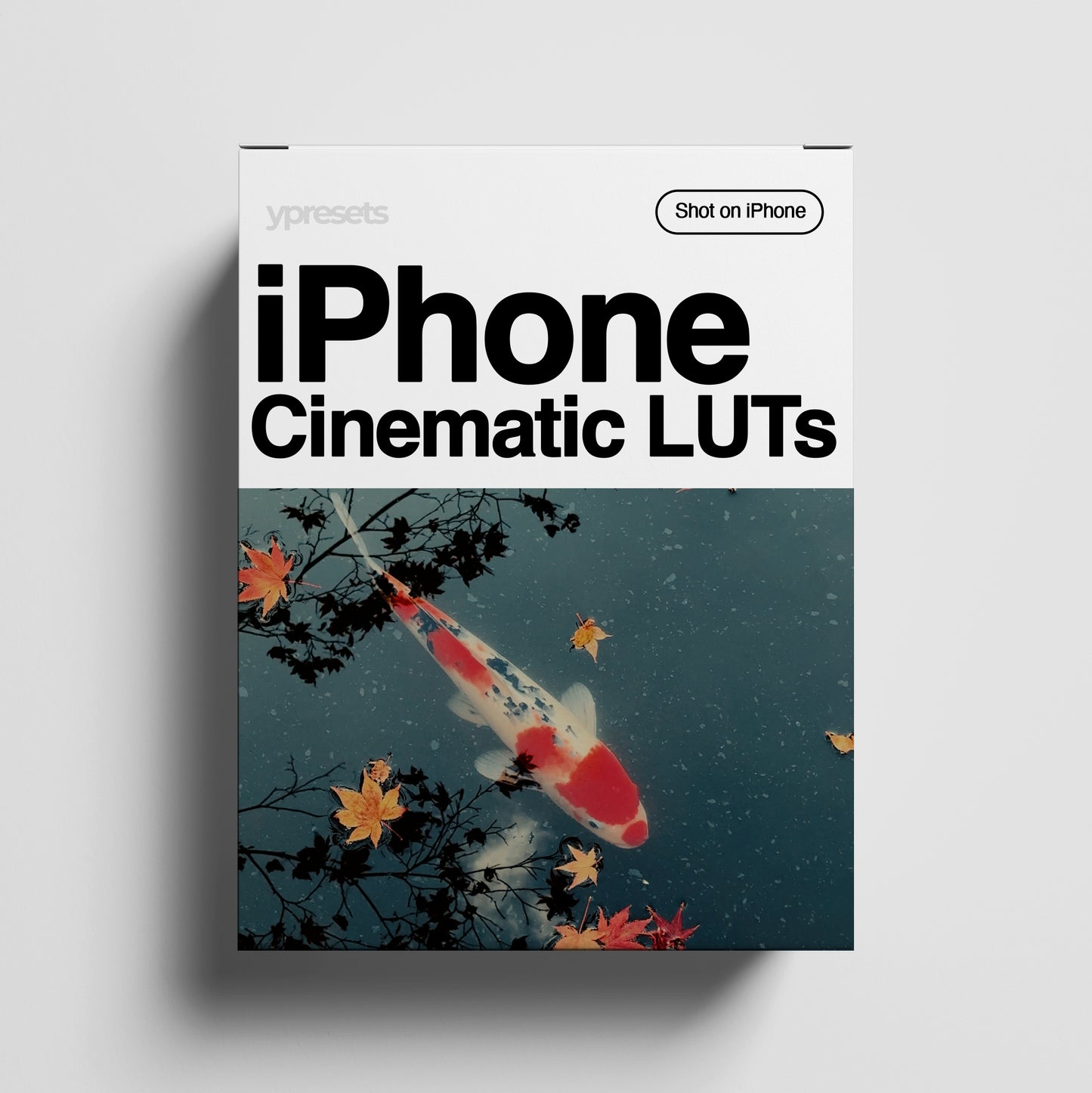
Our iPhone Cinematic LUTs were built specifically to transform standard iPhone footage. They intelligently soften harsh digital highlights and apply a curated film-grade color palette to your clips. Whether you're on an iPhone 11 or the latest 17, your videos will finally match the quality of your memories.
 Instant Download
 One-Click Colour
 Lifetime Usage
Do you ever feel like your iPhone videos look a bit too "digital" or plain?
Most iPhones record video that is bright and sharp, but it often lacks that "expensive" movie feel. You don’t need a Pro phone, special "Log" settings, or complicated editing skills to get the look you see from your favorite creators.
The iPhone Cinematic LUTs are designed specifically for standard iPhone video. They work by softening that harsh digital look and adding beautiful, film-inspired colors to your everyday clips with a single click.
Whether you’re filming a weekend trip, a quick vlog, or content for Instagram and TikTok, these LUTs turn your normal footage into cinematic memories instantly.
A curated set of 10 professional LUTs designed to make your standard iPhone videos look premium and polished. This collection features a versatile range of looks- from timeless film styles and vibrant travel tones to the glowing warmth of golden hour.
Whether you need moody depths for city scenes or a clean, airy aesthetic for your daily vlogs, these 10 essential styles are built to handle any lighting situation and give your footage a professional edge with one tap.
You will also get access to the simple installation guide.
Made for every iPhone user.
If you have a standard iPhone—such as the iPhone 11, 12, 13, 14, 15, or 16—and you want your videos to look better without the hassle of learning complicated "Log" settings, these are for you.
Not an iPhone user?
While these LUTs were specifically designed and tested using iPhone clips, they are high-quality color filters that may still work beautifully with videos shot on other smartphones.
Shoot your video: Just use your normal iPhone camera. No special "Pro" modes needed.
Open your favorite app: Use apps like VN, or LumaFusion directly on your iPhone, or CapCut on desktop.
Apply the LUT: Pick one of the 10 looks, tap to apply, and watch your video transform.
Done: Save and share. Your video now has the rich color of a real movie.
Overall rating: 5.0 / 5 from 16 reviews.
It's great

🔥......

I bought a lot of Yantastic's products: Apple Log Luts, iPhone Cinematic Luts, Lightroom Preset and thats all worth of money! I'm just normal user and want a quick editing with my footage for Tiktok. This video from my dad's iPhone 15 Pro Max recorded in Shanghai, edited with iPhone Cinematic Luts!

Very good amazing presets was very surprised how good they are
Love it!

Yes

:)
Fun
Love the Wes Anderson look! Please release more xx Vicky
only had time to test a couple of videos, they look great so far!

❤️❤️❤️

Awesome colours! Cheers mate!

These LUTs are legit game-changers for my videos and Instagram stories! Edited in VN.

Just bought these LUTs after seeing a TikTok video and they're amazing! Easy to use, stunning colors. Highly recommend!

Love these iPhone filters! Perfect for my next trip : )
I love them. Beautiful soft tones!
