 DEVELOPING COLOR


Great set of LUTS, highly recommend
Best Seller
Video LUTs
iPhone Apple Log LUTs
iPhone Apple Log LUTs
Apple Log & Apple Log 2 · iPhone 15–18 Pro
Regular price
$45.00 USD
Regular price
Sale price
$45.00 USD
Couldn't load pickup availability
Make your iPhone footage look cinematic in a click. This pack includes 18 color grading LUTs designed for Apple Log and Apple Log 2 footage shot on supported iPhone Pro models. Get beautiful color without spending hours grading.
 Made for iPhone Pro
 18 One-Click LUTs
 Instant Download
What is it?
What is it?
Apple Log captures more flexibility for color grading, but straight out of camera it looks flat and washed out. That's normal. The color is waiting to be brought to life.
The Ypresets iPhone Apple Log LUT Pack gives you 18 ready-made cinematic looks that take your footage from flat Log to rich, polished color in seconds. Choose a look, apply the LUT and fine-tune it to your scene if needed.
Created from years of color grading travel, landscape and commercial footage, these LUTs are designed to make professional-looking iPhone video simpler, whether you're just getting started or already edit regularly.
What you'll get
What you'll get
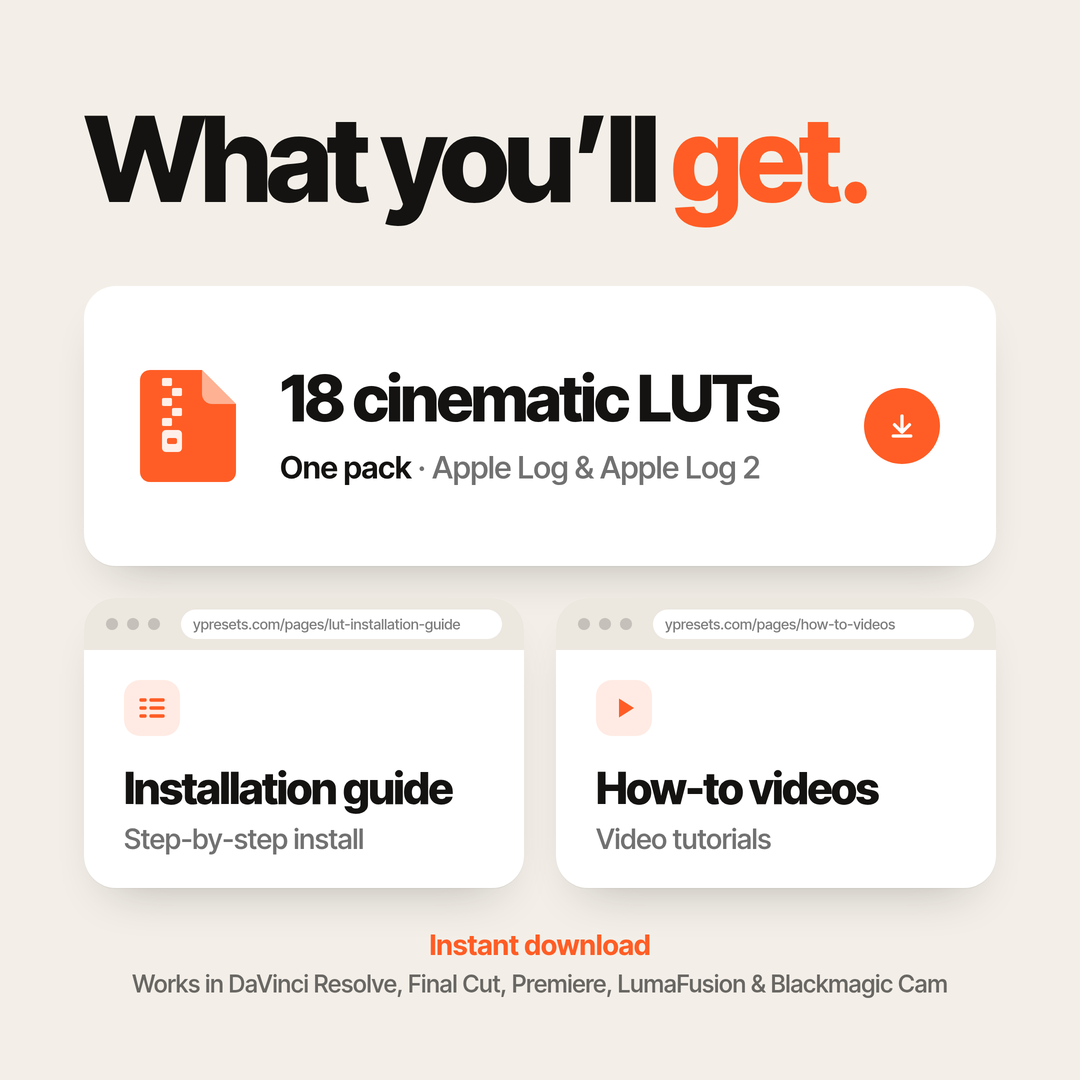
18 cinematic .cube LUTs for Apple Log and Apple Log 2, with a range of looks to suit different scenes and styles:
- Natural color with balanced contrast and realistic tones
- Soft, film-inspired looks with depth and character
- Vibrant grades for travel, landscapes and sunsets
- Warm, understated color for lifestyle and everyday video
- Moody cinematic looks for city scenes and night footage
From clean and subtle to bold and atmospheric, you can find a look that suits your footage and adjust the intensity or exposure in your editing app when needed.
Also included
- Instant download of 18 .cube LUTs in one zip
- Step-by-step installation guide and video tutorials
- Apple Log shooting tips, including recommended camera settings
- Bonus Blackmagic Cam settings for recording Apple Log
Your files are available after checkout via email and your Ypresets account.
Is this pack for you?
Is this pack for you?
- You shoot Apple Log or Apple Log 2 on a supported iPhone Pro model.
- Your Log footage looks flat or gray before grading.
- You want a faster way to create cinematic color without starting from scratch.
- You edit in an app that supports importing .cube LUTs.
Compatible iPhone models: iPhone 15 Pro and Pro Max, iPhone 16 Pro and Pro Max, iPhone 17 Pro and Pro Max, and iPhone 18 Pro and Pro Max, when recording a supported Log format.
Note: These LUTs are designed for Apple Log footage, not standard iPhone video. If your clips already have the usual iPhone color, choose our iPhone Cinematic LUTs instead.
How does it work?
How does it work?
1. Shoot in Apple Log
Record in Apple Log on a compatible iPhone Pro. The included tips will help you choose the right settings and get started.
2. Choose your look
Import a LUT into Blackmagic Cam for a live preview, or apply it later in DaVinci Resolve, Final Cut Pro, Premiere Pro or another compatible editor. Where supported, you can also record with the look applied.
3. Make it yours
Your flat Log footage becomes cinematic color in seconds. Adjust exposure, white balance or LUT intensity as needed to suit your shot.
Shoot. Apply. Create.


“This is the first time my iPhone footage actually feels cinematic.”
Reviews
Loved by iPhone creators
See how creators use Ypresets LUTs to bring Apple Log footage to life.
Customer Reviews
Overall rating: 4.9 / 5 from 146 reviews.

I love it

It makes my iPhone 17 pro max a cinematic machine - just record and go!

This Luts really show what the Iphone is capable to do with the Blackmagic App. People just use the native app and wondering why its not like in the Advertising but it can be!

Although i don’t understand it all that well its super good!

It makes it so easy to make a shot look cinematic and professional. Must buy!!!
Too many luts and most are overly creative so unlikely to ever use. Not interested in flicking through 18 different looks when travelling or editing. Would be better to get 1-3 luts that are good to go in 80% of situations. Also, need to name the luts better for reference and have some kind of reference sheet so it’s easier to identify them individually.
Some of the LUTs are great! It would be nice to list for each LUT what changes to color, contrast, tone (like more blue and green), etc. Your video was also very good!

Love the presets! Additionally, these presets are designed in a way where if you tweak colors, intensity and all other changes, it will still have that specific look you desire!

Super easy to use, and the results are amazing

As a photo editor of over 10 years, video editing is completely new to me. I had no idea what to expect, but these LUTs work seamlessly with Apple Log footage and need very little tweaking. Absolutely love this pack, it covers every lighting situation imaginable.

I really like the Luts, they make editing so easy and straightforward...

I loved the look it gave to my videos

Great product. Makes color grading a breeze. Glad I came across this product. Highly recommend for those new to color grading.

Liking the color a lot, and it's easy to use!
Well worth paying a little bit more for something you love. The results and options will keep me busy for months. Thanks.

These Log LUTs are amazing! I was in Italy and captured every moment using them. They helped me create a special atmosphere and show Italy in a whole new way.Thanks!

very nice ,look like cinema

Nice
Wide choice of colouring your Apple Log footage. You need to dive into the few settings on the Blackmagic Camera app, then it all works great. I prefer to preview the LUTs in the app, then apply whatever I like in postprocessing.

Awesome luts! Work best on apple log. Shot the vid here with an iPhone 16 pro 4k, with the Lut #5 on Black magic app. These luts w/ black magic app have INSANELY increased the level of quality of content im making.

Using these LUT’s I purchased for my iPhone, I was able to achieve such a professional look with the click of a button. It is so worth the price and would highly recommend.

Amazing man !

The LUTs were very easy to use out of the box and look great as is (although I’m sure further tweaking could net even better results) Definitely excited to use these and play with them more going forward.

I am still a beginner so this LUTS are very helpfu.

I really love the set, however I noticed that there are only about 2 sets compatible with people’s skin tone that doesn't over exaggerate the way I and others look, either making us too pale, too blue, or simply too dark, I would hope to see more presets that puts people into perspective too.

bit mess about with these love them makes video pop jus need to learn to use properly great to use tho at a great price

Great gonna use them in costa rica!!

Most sets are really good but I wish the price was a tad little lower but otherwise worth it.

This real was created using LUTs from these guys! Love the colouring and quality so much! Highly recommend.

I like this , thank you

Good experience!

I love it
It was very simple to set up and love the videos that it takes

really easy to use!

2383 Print 01
Het is geweldig

Thanks, the pdf did worked thanks for reaching.

Una serie de luts espectaculares que funcionan perfectamente para la postproducción de tus videos
it was soo good

You want the look. Not the lesson.
GRADING LOG, THE USUAL WAY
-
Color space transforms -
Node trees -
Scopes and curves -
Hours of tutorials
Drop on a LUT. Done.
